The night before
Show your child what church will be like.
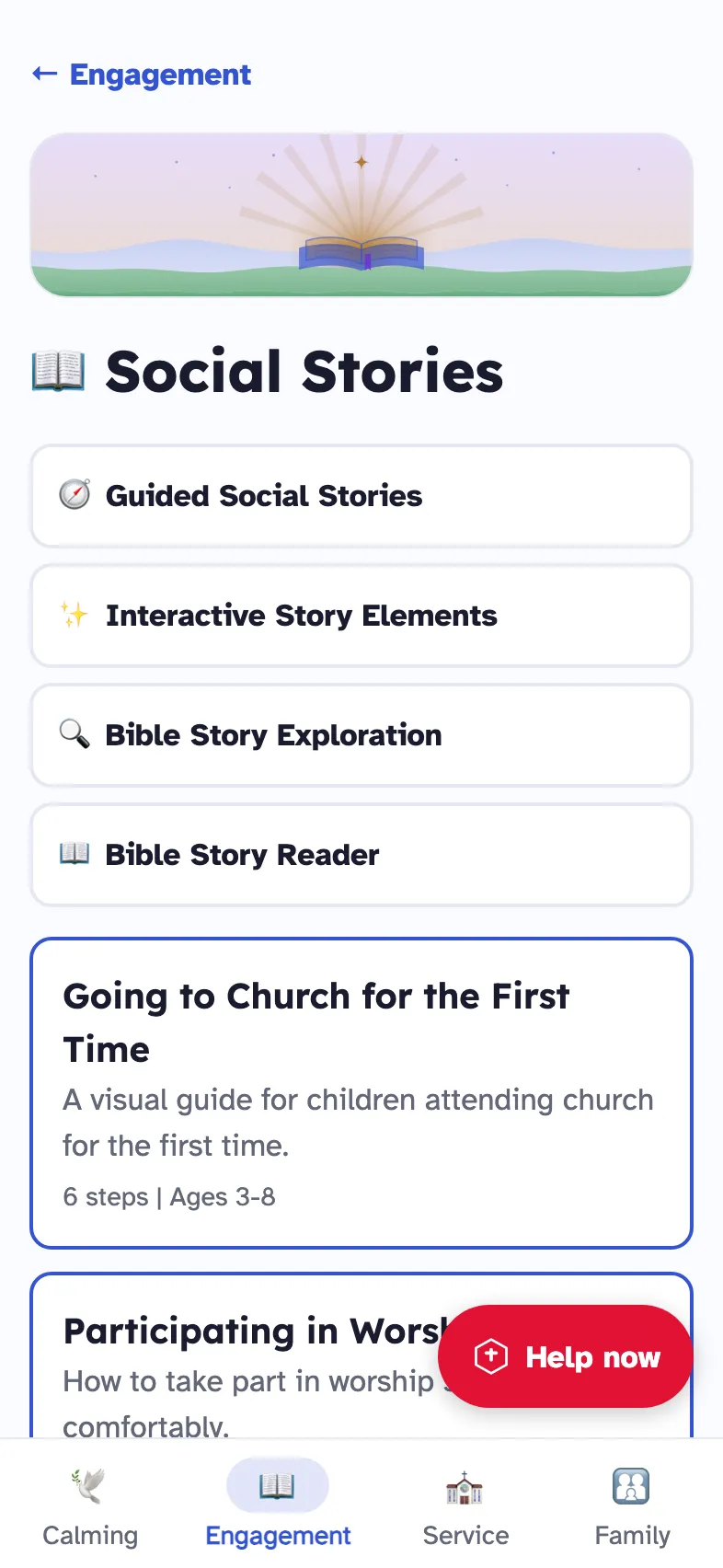
Read a social story together. “Going to Church for the First Time” takes six short steps and is written for ages 3 to 8.
NeuroInclusive Church is a sensory-friendly app for families with neurodivergent children. Calming tools, stories that show what church will be like, and one button that brings support.
No account needed. Your information stays on your device.
Every child belongs in church. Belonging comes more easily when the lights, the sounds and the order of the service are no surprise.
Families want to worship together, and churches want to welcome them. The app gives both a practical way to do it. It was created by Alexis A. Nelson of Coaching Toward Purpose.
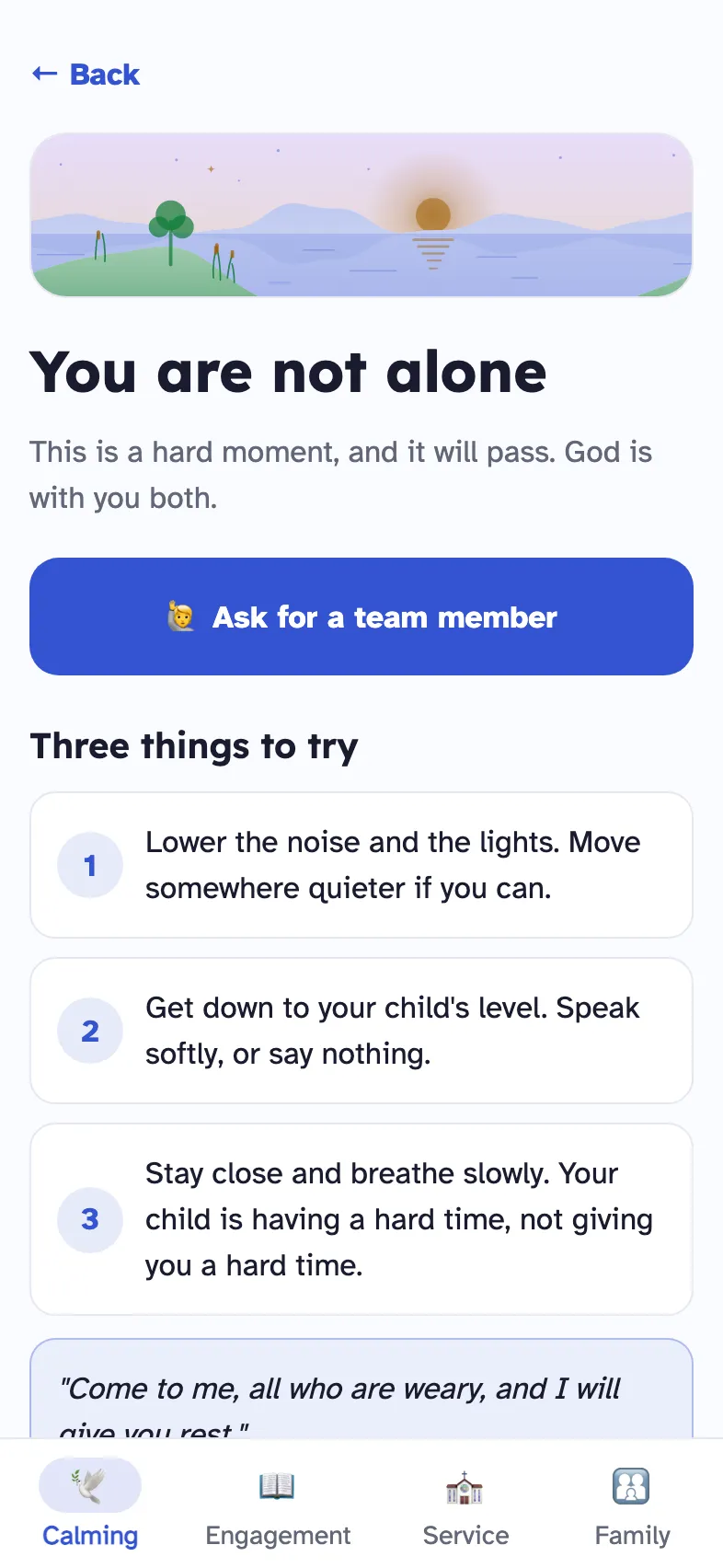
“Come to me, all who are weary, and I will give you rest.”Matthew 11:28, shown on the app's Help now screen
Read a social story together. “Going to Church for the First Time” takes six short steps and is written for ages 3 to 8.
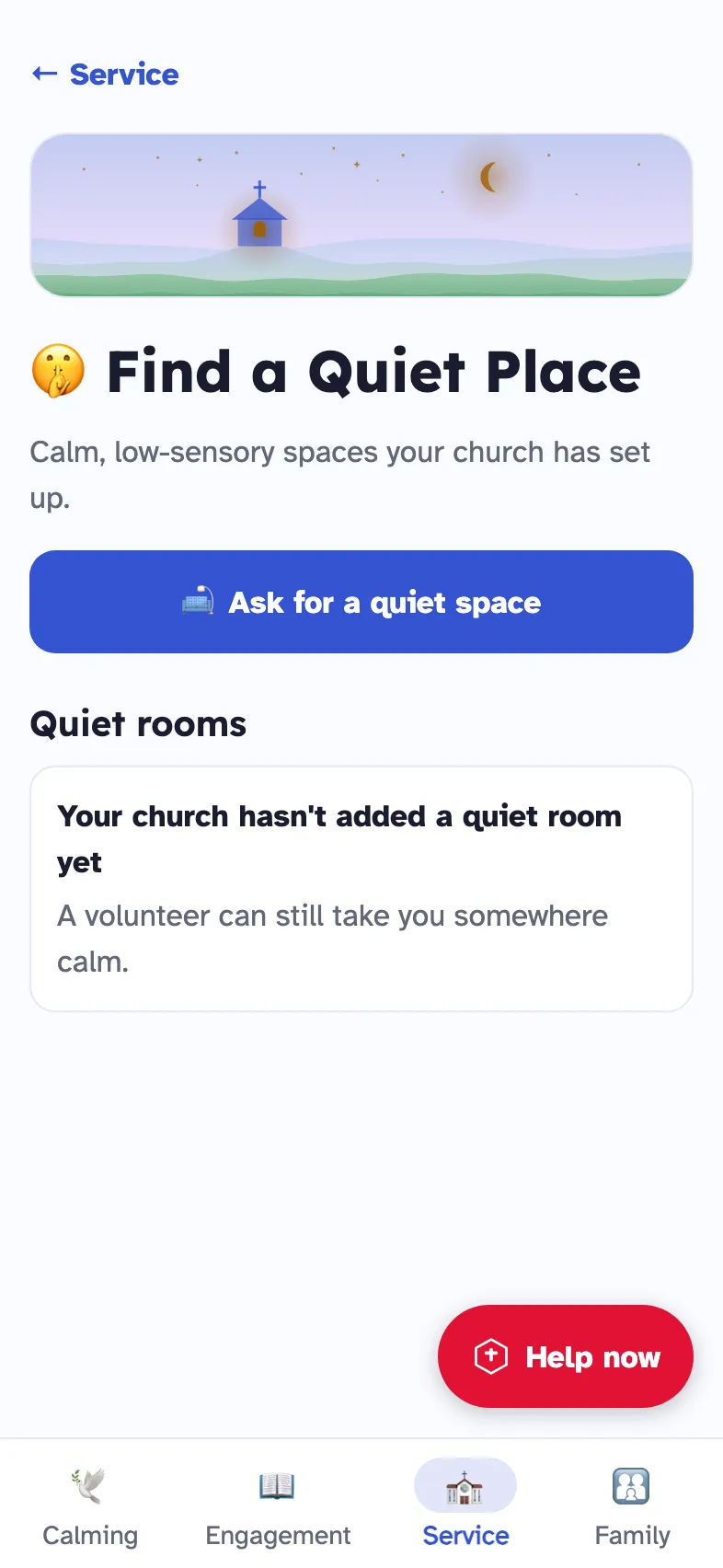
See the calm rooms, take a virtual tour, and choose where to sit before the service begins.
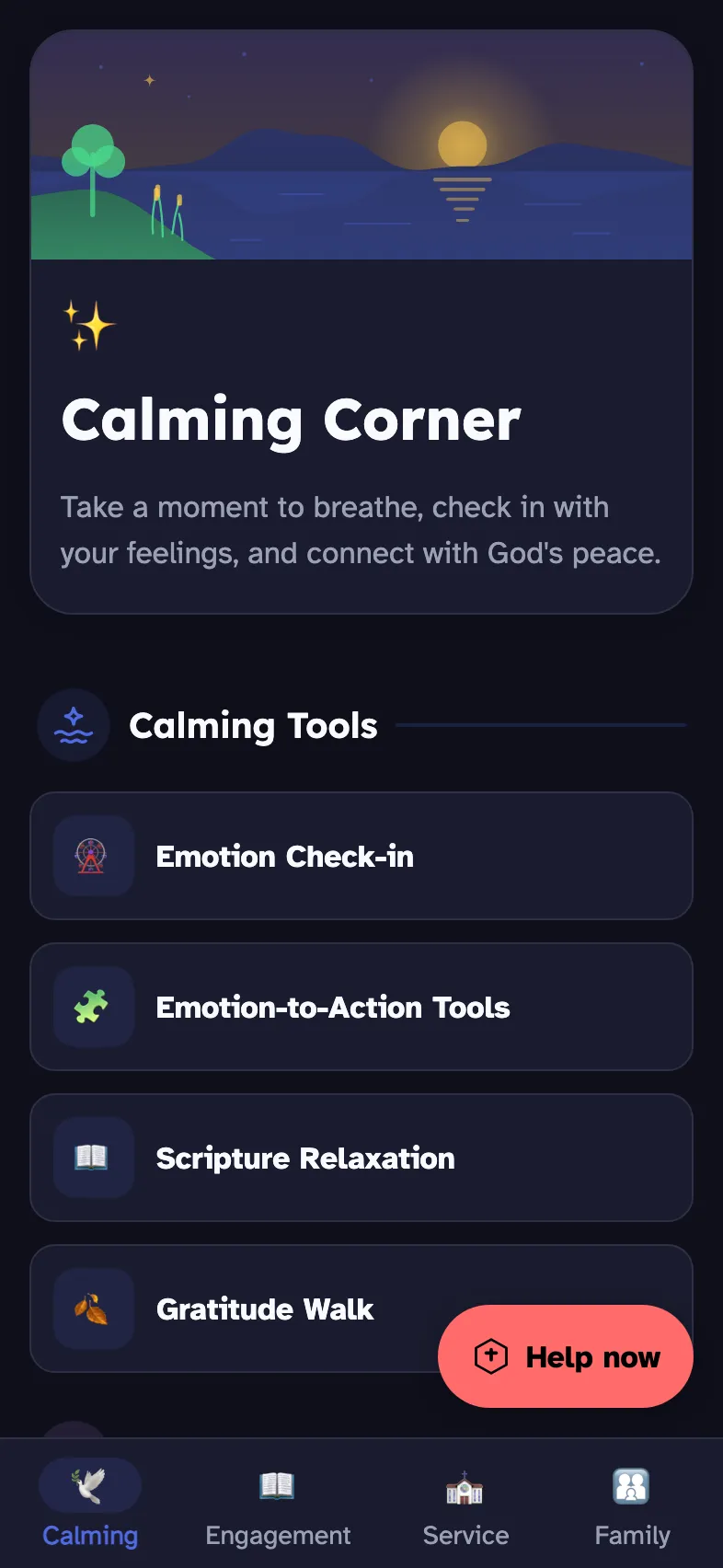
Tap the face that matches the feeling, then breathe along with a slow circle. Scripture and prayer are one tap away.
Help now gives three clear steps to follow together. It can also text your church's Care Line, or show a card to hold up to a team member.
Two of the app's tools, working on this page with the app's own words.
“Be still and know that I am God.” Psalm 46:10
Four slow breaths is a good start.
How are you feeling right now? Tap a face.
Good to goI feel good and ready to join.
Unsure or nervousI need a little help.
Overwhelmed or upsetI need a break or support.
The app answers each feeling with a verse and a line a child can hold on to.
Calm and clear on every screen: three display modes, text up to three times larger, large buttons, and nothing that flashes.
This site has the same settings. Try them.
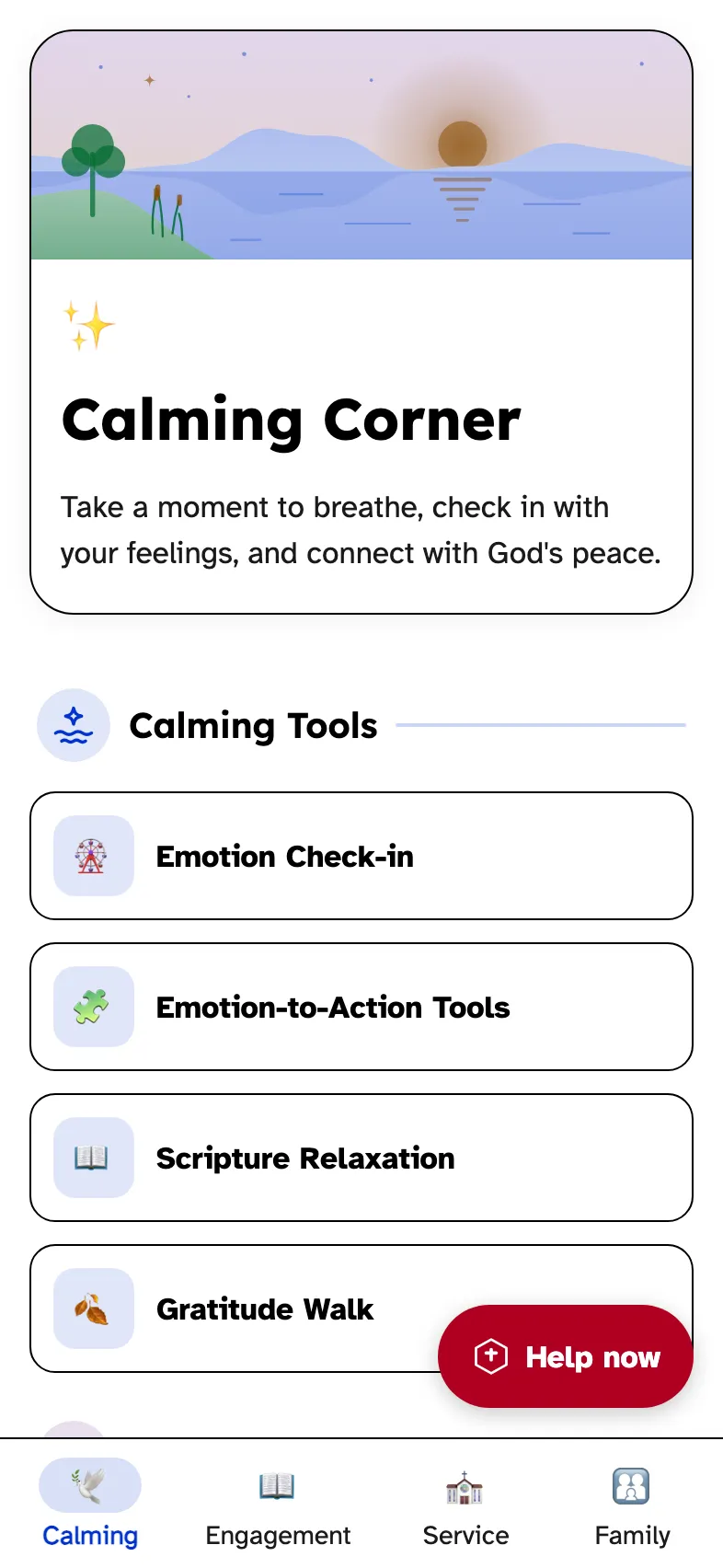
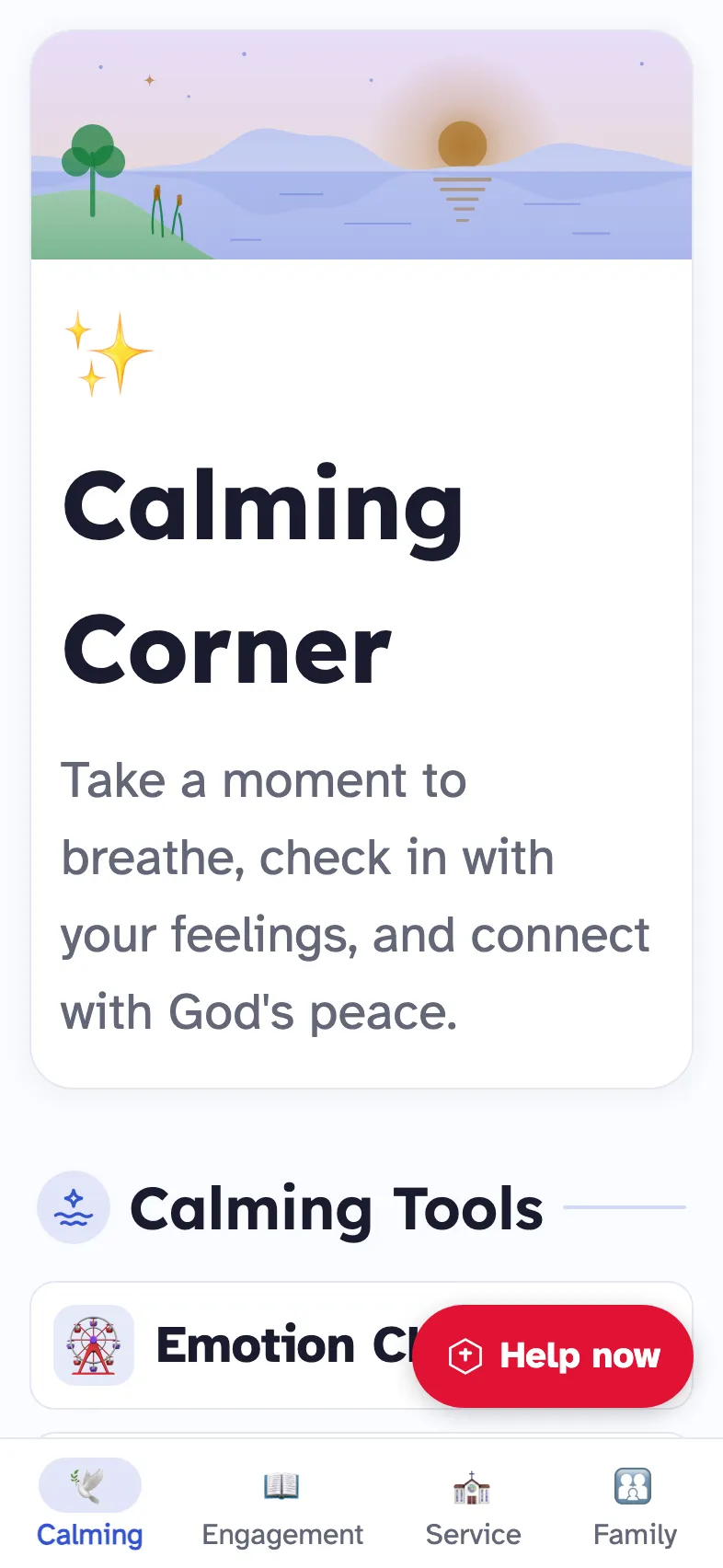
Families use one side of the app. Your church's team uses the other, to train volunteers, pair buddies and list quiet rooms.
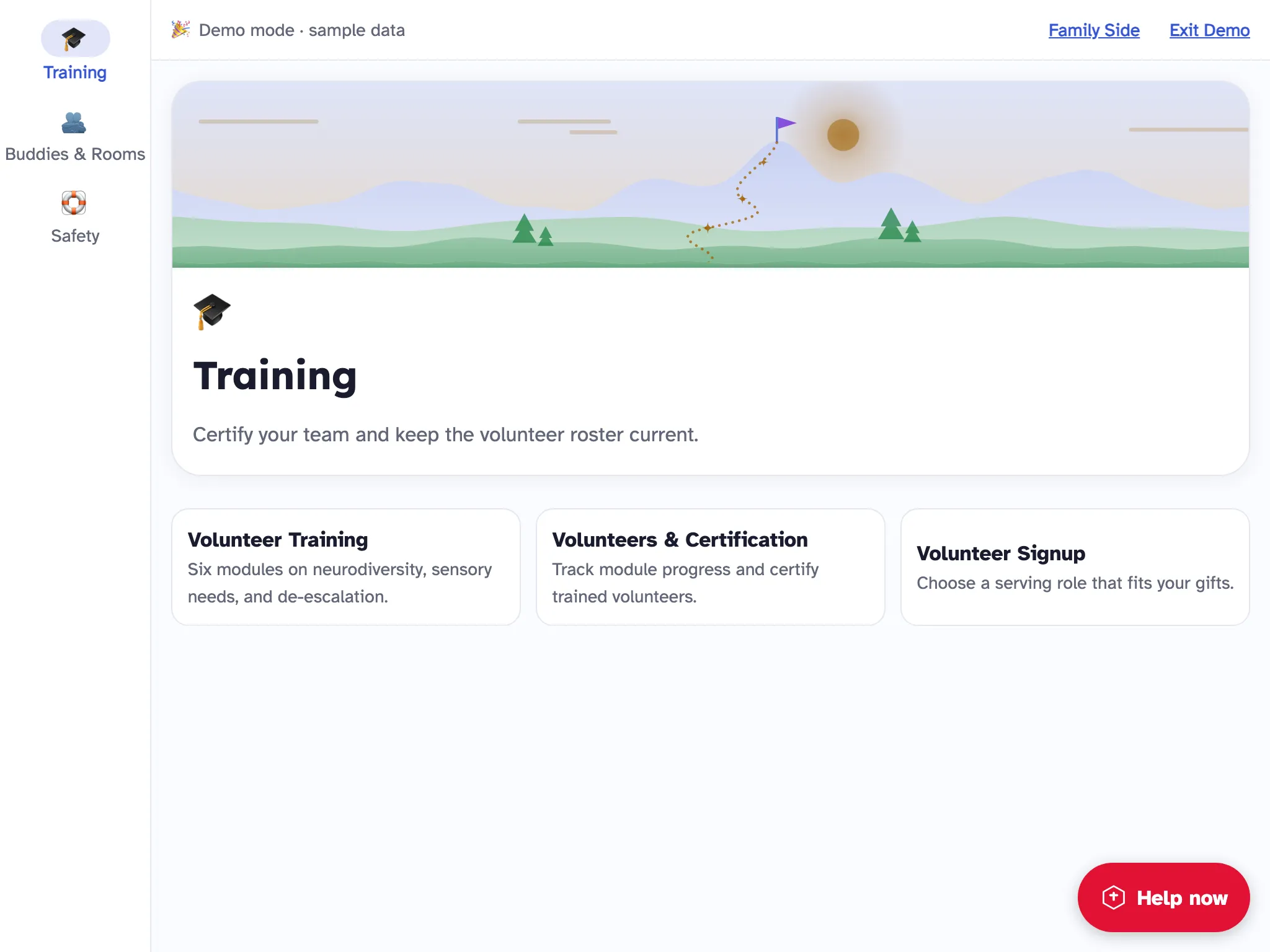
Training: six modules, the volunteer roster and sign-up for serving roles.
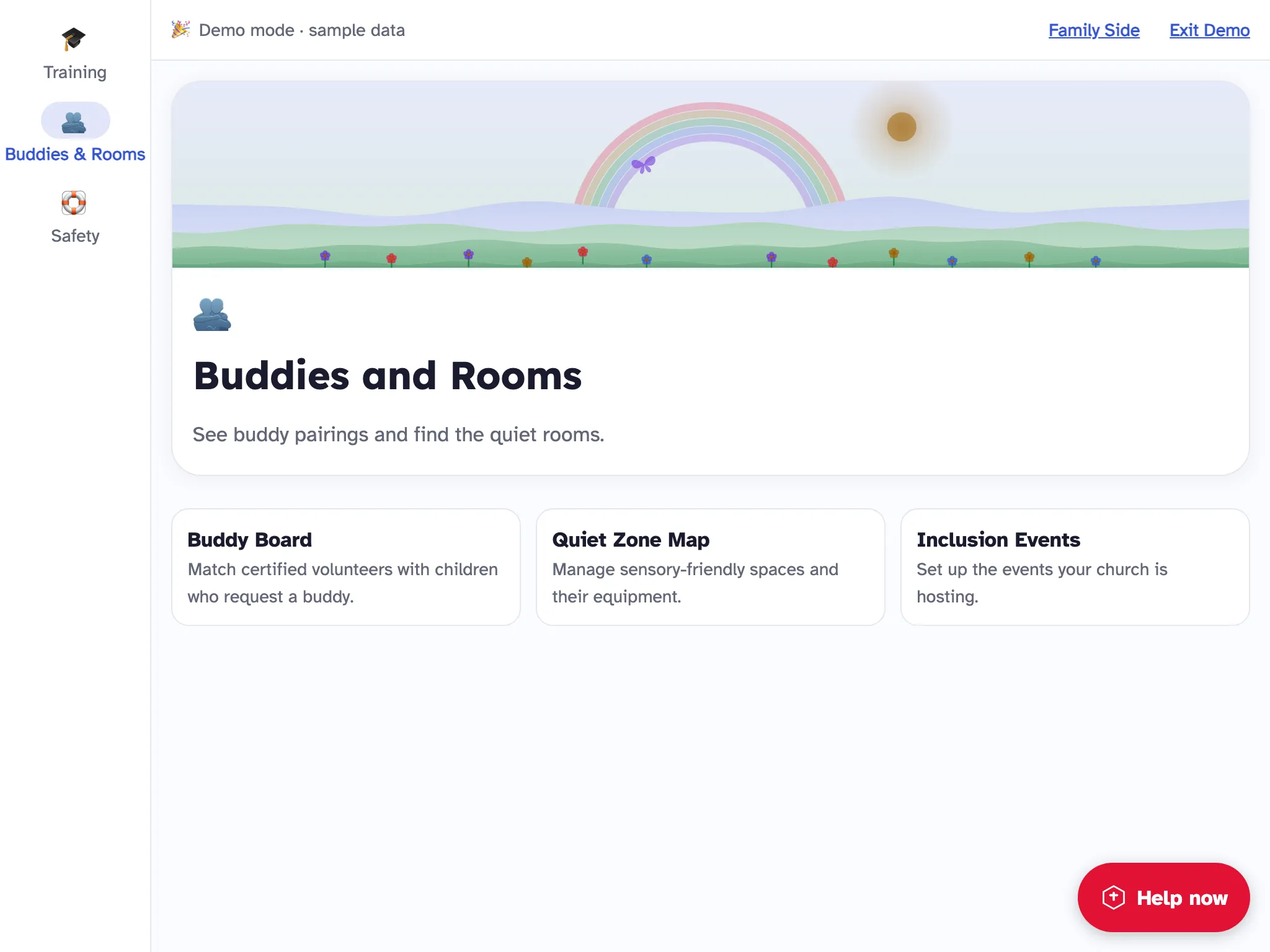
Buddies and Rooms: buddy pairings, your quiet rooms and the events you host.
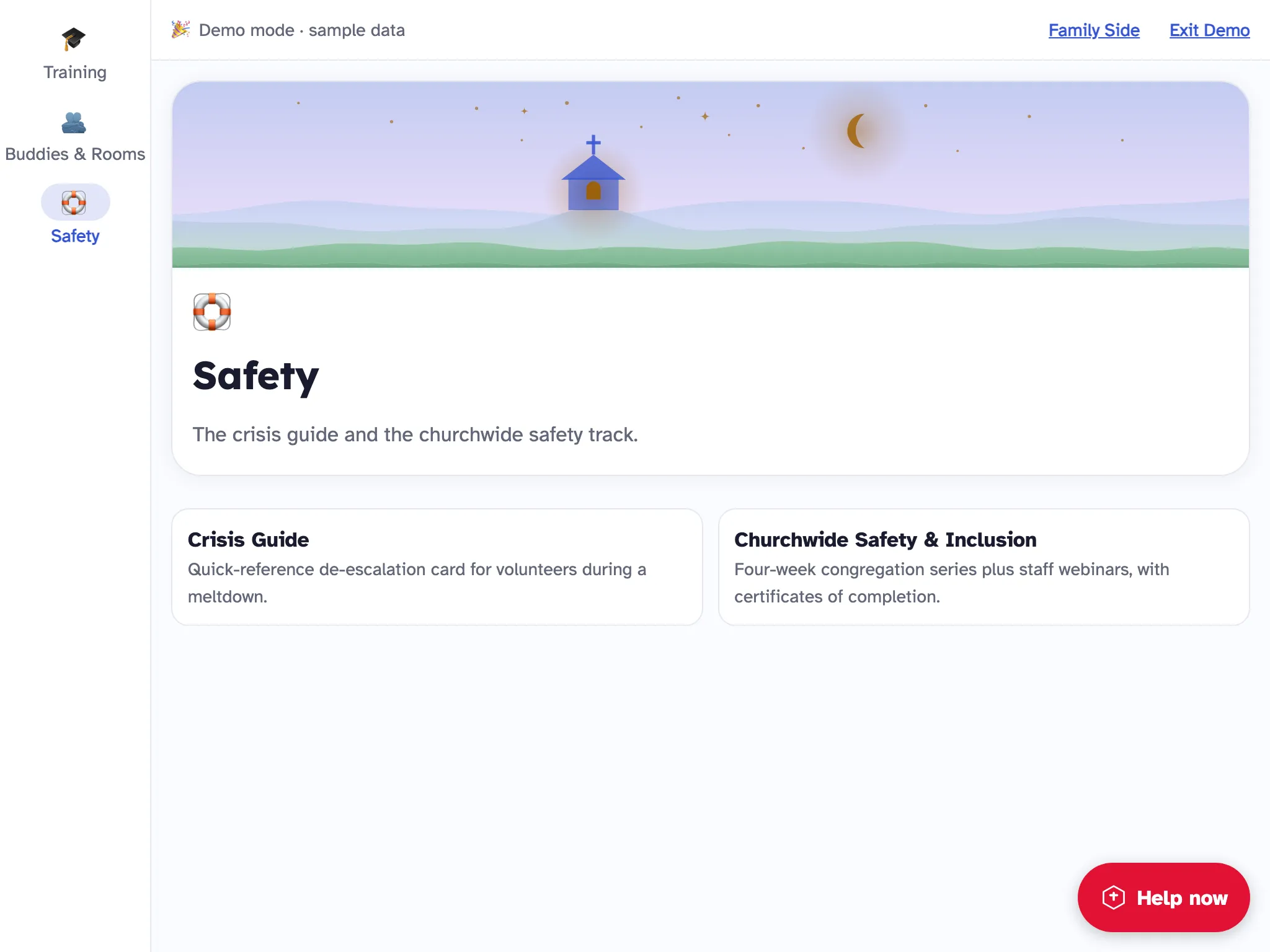
Safety: a crisis guide and a four-week series for the whole congregation.
No. The app opens and works without one. Adding an account is optional.
It stays on your device. If you have saved your church's Care Line and ask for a team member, the app prepares a text for you to send yourself.
No. Everything for families works on its own. The Church Side, which is being opened to churches, adds trained volunteers, buddies and quiet rooms.
No. The feelings check-in uses faces, the breathing exercises are a circle that grows and shrinks, and stories give each step a symbol.
iPhone, iPad and Android. It is available in English and Spanish.
Download the app and try one breathing exercise at home tonight.